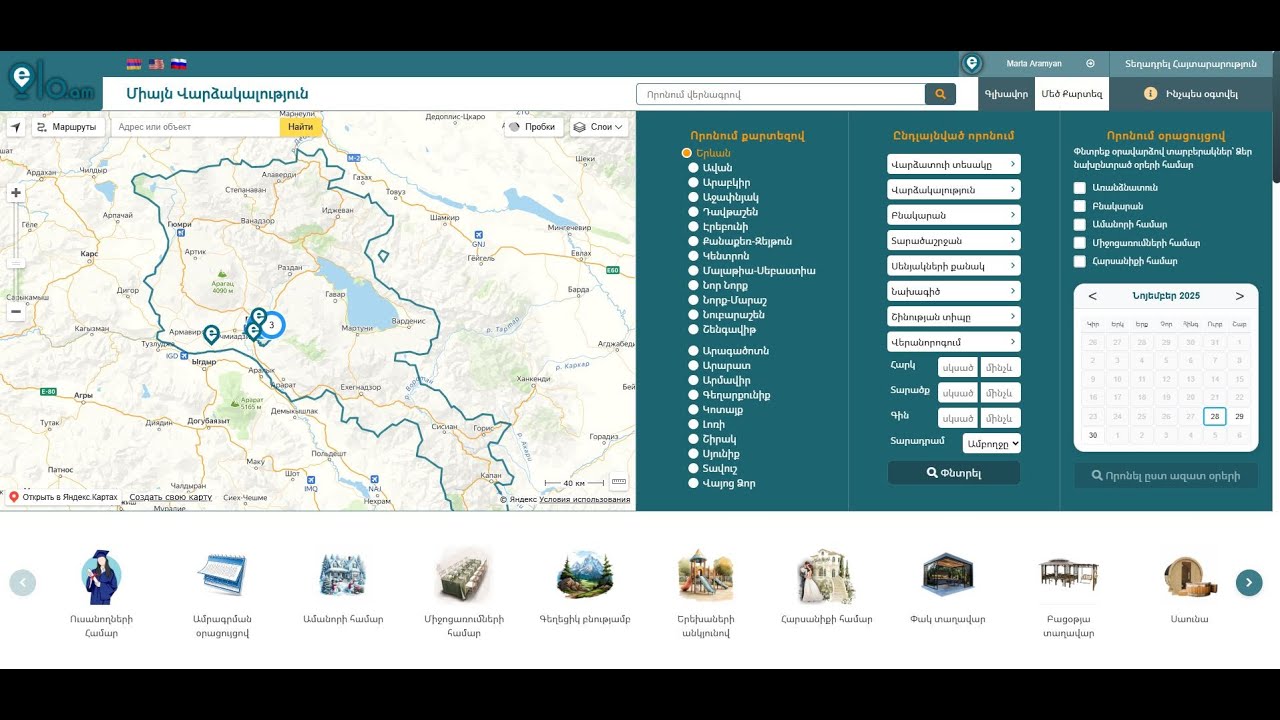


How to use
How to register on the site?
To register, click the Login / Register button in the upper- right corner of the home page.

Fill in all the fields in the registration section then click on the Register button. The password should consist of 8 to 14 characters.

Now a letter will be sent to the e-mail address You mentioned from elo.am website to confirm that it is your e-mail. Open that email from your email address and click the Confirm button.
Congratulations, You have registered on elo.am website. Welcome to the most powerful platform for real estate rentals and daily rent in Armenia.
How to add an announcement?
To add an announcement, You need to click the Add Announcement button.

Log in to your personal page, and if You haven't registered yet, let's start from Signing Up.

Fill in at least all the fields that are marked with an asterisk (*), then click the "Next" button located on the lower right corner.

In the second step, add pictures related to your announcement, you can also add youtube videos about the announcement (no more than 2), for which you need to place your youtube video link in the mentioned fields.

In the 3rd (last) step, add details about your announcement, which will allow the buyer to get as much information about your real estate as possible.

Not all of the fields in this section are required to complete, but this way we give you an opportunity to make your Real Estate more demanded․
Video Tutorials - How to Use Website
How to post an ad on elo.am